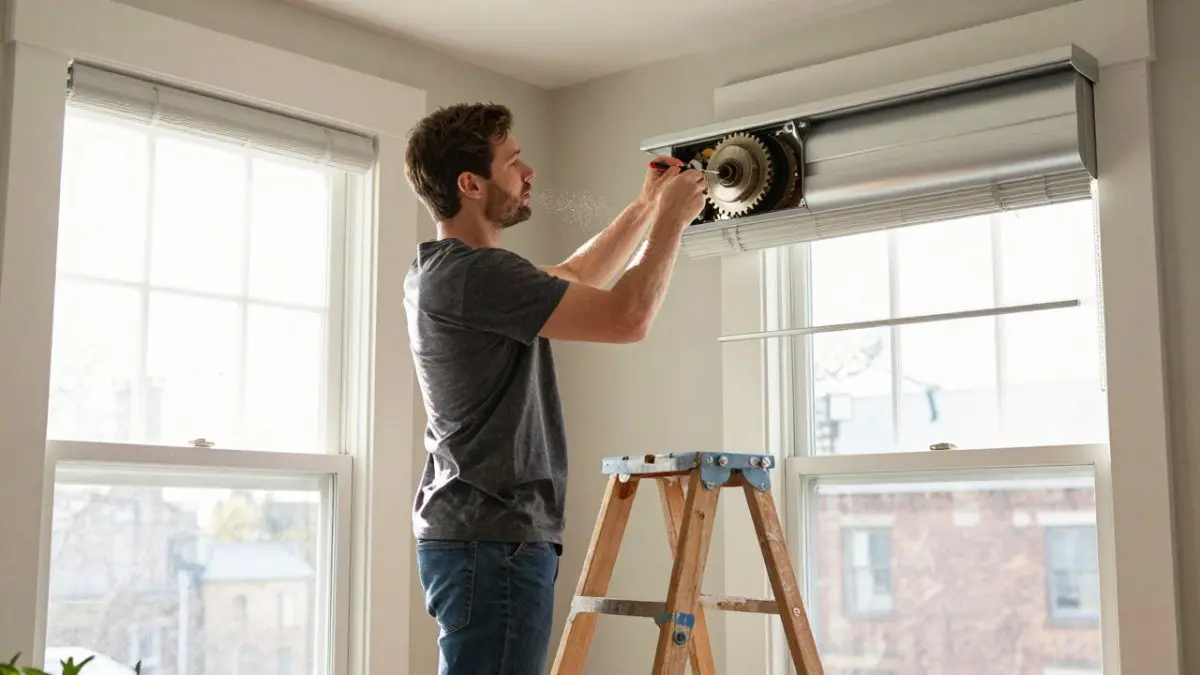
How to Fix Stuck Motorized Blinds
Last Updated: November 14, 2026
Quick Summary
Stuck motorized blinds are usually caused by no power, a lost signal, a jammed travel path, or a confused motor that needs a reset. Check the battery and remote first, then reset the motor’s limits, and clear any obstruction before calling a pro.
- A shade that jogs or twitches and stops is not broken; its limit memory is scrambled.
- Hold the programming button only until the shade jogs, then release it immediately.
- Power the shade off before touching fabric to clear a jam at the bottom rail.
- After a battery change, re-pair the remote and run a full up-and-down cycle.
- Disable schedules, scenes, and voice routines to isolate a smart home conflict.
Table of Contents
- Start With a Symptom Check Before You Touch Anything
- How to Troubleshoot Motorized Blinds: Power, Battery, and Signal
- How to Reset Motorized Blinds With Remote Control
- Electric Blinds Jammed at Bottom: Clearing the Travel Path
- Motorized Blinds Not Working After Battery Change
- Manual Override and Hand-Roll Methods for a Stuck Shade
- Smart Home Conflicts, Crooked Shades, and When to Call a Pro
- Book a Repair Visit With Carroll Shade
- Frequently Asked Questions
Start With a Symptom Check Before You Touch Anything
Stuck motorized blinds are a symptom with a cause, and the fastest fix is to listen before you touch. At Carroll Shade, we repair motorized window treatments across Boston and Brookline, and one of the most common mistakes homeowners make is pressing buttons at random before diagnosing the fault.
Stuck motorized blinds often fall into a few common categories: no power, a lost signal, a jammed travel path, or a confused motor that needs a reset. Each one sounds different. Each one has a different fix.
Match the Sound to the Fault
- Total silence, no movement: power or battery issue. Go to the power section first.
- A single click, then nothing: the motor is receiving the command but the battery is too low to drive the lift.
- A hum or whine with no movement: the motor is trying to run but something is blocking the shade. This is a mechanical jam.
The jog is the most misunderstood: a shade that twitches and stops is not broken, it is telling you its memory is scrambled.
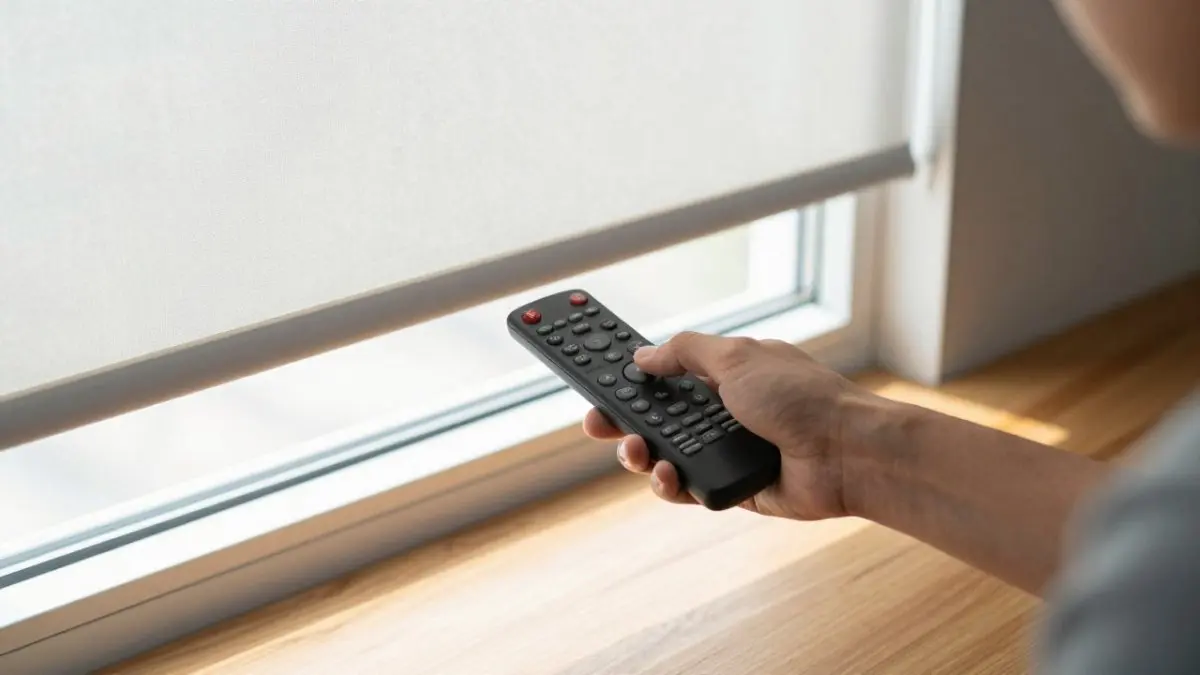
Match what the shade is doing to the fault before pressing any buttons.
| Symptom | Likely cause | Where to start |
|---|---|---|
| Total silence, no movement | Power or battery issue | Power section first |
| Single click, then nothing | Battery too low to drive the lift | Recharge or replace battery pack |
| Hum or whine with no movement | Mechanical jam blocking the shade | Clear the travel path |
| Short jog or twitch, then stop | Motor lost its limit settings | Reprogram with a reset |
| Beeping or rapid clicking | Low battery warning or signal conflict | Check battery and remote signal |
How to Troubleshoot Motorized Blinds: Power, Battery, and Signal
To troubleshoot motorized blinds, work through power first, then signal, then mechanics.
- Check the power source. Battery shades need a fresh battery pack. Hardwired shades need the circuit checked at the breaker.
- Recharge or replace the battery pack. Let it charge fully before testing. A partial charge can cause the jog-and-stop behavior.
- Check the remote’s battery. A weak remote sends a weak or no signal.
- Test the remote pairing. Press a button and watch for the motor’s light or jog response.
- Look for signal interference. Metal blinds, thick walls, and crowded Wi-Fi can block the remote’s signal.
If the motor jogs when you press the remote, power and signal are fine. The problem is the motor’s memory. Skip ahead to the reset section.
Watch out: do not swap in a random battery pack that does not match the motor’s voltage. It can damage the motor and void the warranty.
How to Reset Motorized Blinds With Remote Control
A remote reset fixes most shades that jog, stop short, or ignore commands by clearing the motor’s memory so it can relearn its travel limits.
The exact button sequence varies by brand, so check your motor’s manual first. The general process looks like this:
- Hold the programming button on the remote or headrail until the shade jogs.
- Release the button the moment it moves.
- Press the up button and let the shade travel to its top limit.
- Press the down button and let it run to the bottom.
- Press and hold both to save the new limit settings.
That jog confirms the motor accepted the command and is ready to relearn its limits.
A common mistake is holding the button too long.
If your remote will not pair at all, the issue is usually the remote, not the shade.
Electric Blinds Jammed at Bottom: Clearing the Travel Path
Electric blinds jammed at the bottom often have something in the travel path, such as fabric caught on a bracket, a cord snagged on a sill, or a shade that slipped its guide.
Here is how to clear it safely:
- Power the shade off before you touch the fabric.
- Inspect the bottom rail for a snag, a bent edge, or fabric caught in the guide.
- Gently lift the bottom rail by hand to free the obstruction.
If the shade jams in the same spot every time, the limit settings are off, not the fabric. Recalibrate the limits after you clear the path.
Motorized Blinds Not Working After Battery Change
Motorized blinds often stop working after a battery change because the motor lost its pairing or limit memory when power dropped. The fix is usually a quick re-sync, not a repair.
Try these in order:
- Confirm the new battery pack is seated fully in the headrail.
- Re-pair the remote using the motor’s pairing button.
- Run a full up-and-down cycle to let the motor relearn its travel.
- Reset the limit settings if the shade stops short or overshoots.
If the shade still does nothing, check that the battery pack matches the motor’s voltage. A mismatched pack is a common cause of a shade that powers on but will not move.
Manual Override and Hand-Roll Methods for a Stuck Shade
Many motorized shades have a manual override that lets you raise or lower them by hand when the motor will not respond, but using it wrong can damage the gear train or tension system. Identify your shade type before you pull or roll anything.
Find Your Override Type
- Roller and solar shades: a pull cord or beaded chain on the side of the headrail, or a manual release tab on the motor housing. Some models use a hand-roll method where you lift the bottom rail and roll the fabric by hand.
- Roman shades: a continuous loop cord on the side, or a release pin on the motor cradle.
- Cellular and pleated shades: a cord loop or a manual lift cord, depending on the lift system.
The Safe Override Sequence
- Disconnect the motor from power first. A powered motor will fight you and can strip the gear train.
- Locate the release. On most roller shades it is a small tab or a cord clutch at the end of the headrail.
- Move the shade slowly and evenly. Do not jerk it. The internal tension spring stores energy and can snap back.
- Support the bottom rail as you raise or lower it so the fabric does not bunch on one side.
- Re-engage the motor by reconnecting power and running a full up-and-down cycle before you trust the limits.
Watch out: never force a shade that will not move by hand. If the fabric will not budge with gentle pressure, something is jammed in the travel path or the gear train is seized, and forcing it will turn a repair into a replacement.
What the Override Tells You
A stuck shade you can hand-roll is good news: the fabric, tension system, and mechanical path are sound, and the problem is electrical or in the motor’s memory. A shade that will not move even by hand points to a mechanical jam or failed gear train. Note which one you have before you call anyone, it shortens the diagnosis and often the service visit.
After the Override
Once the shade moves by hand, reconnect power, run a full cycle, and reset the limits if it stops short or overshoots. If the motor still will not drive the shade after a confirmed good battery and a reset, the motor or control board is the likely culprit.
Smart Home Conflicts, Crooked Shades, and When to Call a Pro
Smart home conflicts are the quiet cause of many “stuck” shades that most troubleshooting guides skip. When a shade is paired to a hub, a schedule, a scene, and a physical remote at once, competing commands can leave it frozen mid-travel or unresponsive.
Why Smart-Paired Shades Freeze
A motorized shade that is also smart-paired has two command paths: the local radio (remote or wall switch) and the hub (app, schedule, voice assistant). When those paths disagree, the motor can lock out one of them. The common triggers are:
- A hub firmware update that changed the shade’s device profile or dropped its pairing.
- Wi-Fi or mesh interference on the band the hub uses. Many hubs run on 2.4 GHz, which is crowded in apartments and dense neighborhoods.
- Overlapping schedules, a morning scene and a manual timer firing within the same minute.
The Smart-Home Isolation Test
Work through this in order. It separates a hub problem from a motor problem in about ten minutes.
- Pause every automation. Disable schedules, scenes, and voice routines for the shade in the hub app. Do not just mute notifications.
- Test with the physical remote only. If the shade responds to the remote, the motor and limits are fine and the fault is in the hub path.
- Check the hub app for a firmware update or a device error. Install any pending update, then power-cycle the hub.
- Re-sync the shade to the hub. Remove the device and add it back rather than just re-running discovery.
- Re-enable automations one at a time, testing after each, so you can identify the conflicting schedule or scene.
Watch out: do not delete the shade from the hub before you have written down its current limit settings. Some hubs push their own limits on re-pairing and will overwrite a careful calibration.
Signal Interference You Can Actually Check
If the shade responds to the remote only when you stand close, the issue is signal, not the motor. Metal blinds, plaster-and-lath walls, and crowded 2.4 GHz Wi-Fi all attenuate the remote’s radio. Move the hub or a repeater closer, or switch the hub to 5 GHz if it supports one. A remote that works from across the room one day and only from two feet away the next is classic interference, not a failing motor.
Crooked or Uneven Shades
A crooked shade is a different problem from a stuck one. It usually means the mounting bracket shifted, one side of the fabric stretched, or the limits are uneven. Check that the headrail sits level with a spirit level, tighten loose bracket screws, then recalibrate the limits so both sides stop at the same point. If the headrail itself is bowed, the bracket or headrail needs replacement.
When to Call a Pro
Stop and get help if any of these are true:
- The motor hums but never moves after a full reset and a confirmed good battery.
- The headrail is loose or pulling from the wall.
- The shade is on a second-story or high window and you would need a ladder to reach the motor.
Climbing to reach a stuck motorized shade can be dangerous. Consider professional help for high or hard-to-reach windows.
If you would rather not troubleshoot it yourself, you can explore our window installation and repair services to see what a service visit covers.
Book a Repair Visit With Carroll Shade
Some stuck shades need a trained eye.
Carroll Shade has served the Boston and Brookline area as a family-owned business since 1932.
Ready to schedule? You can reach out to our team for contact details and a visit. Get started with Carroll Shade and put your motorized shades back to work.
A stuck motorized blind is a solvable problem, and most fixes take minutes once you know what to listen for.
Frequently Asked Questions
Can you manually move motorized blinds when they are stuck?
Most motorized shades allow a manual override so you are not locked out while the motor is unresponsive. If the shade will not budge, stop pulling. A hard mechanical jam or a locked internal tension system means force can damage the fabric, the locking pin, or the headrail. Disconnect power at the battery pack and book a service call instead.
How do you reset motorized blinds without a remote?
The programming button on the headrail does the same job as the remote in most cases. If the headrail button does nothing, the battery pack is the next thing to check before assuming the motor has failed.
Why are my motorized blinds not working after a battery change?
A fresh battery pack does not automatically re-sync the motor to its remote or smart home hub. Three things cause most post-battery-change failures: reversed polarity in the pack, a pack that is seated but not fully clicked into its terminals, and a motor that lost its pairing when power dropped. Recharge or reseat the pack, then run a reset sequence and re-pair the remote. If the shade still ignores commands, check the travel path for an obstruction before assuming the motor is faulty.
What should I do if an electric blind won’t go up?
Work from the cheapest fix upward. Confirm the battery pack holds a charge and the remote is paired, then look for signal interference from a smart home hub or a nearby router. Next, inspect the travel path for a snagged cord, a misaligned mounting bracket, or fabric caught in the roller. If the motor hums but the shade does not move, the internal tension or limit settings need recalibration. A motor that is silent and unresponsive after a reset usually needs a technician.

