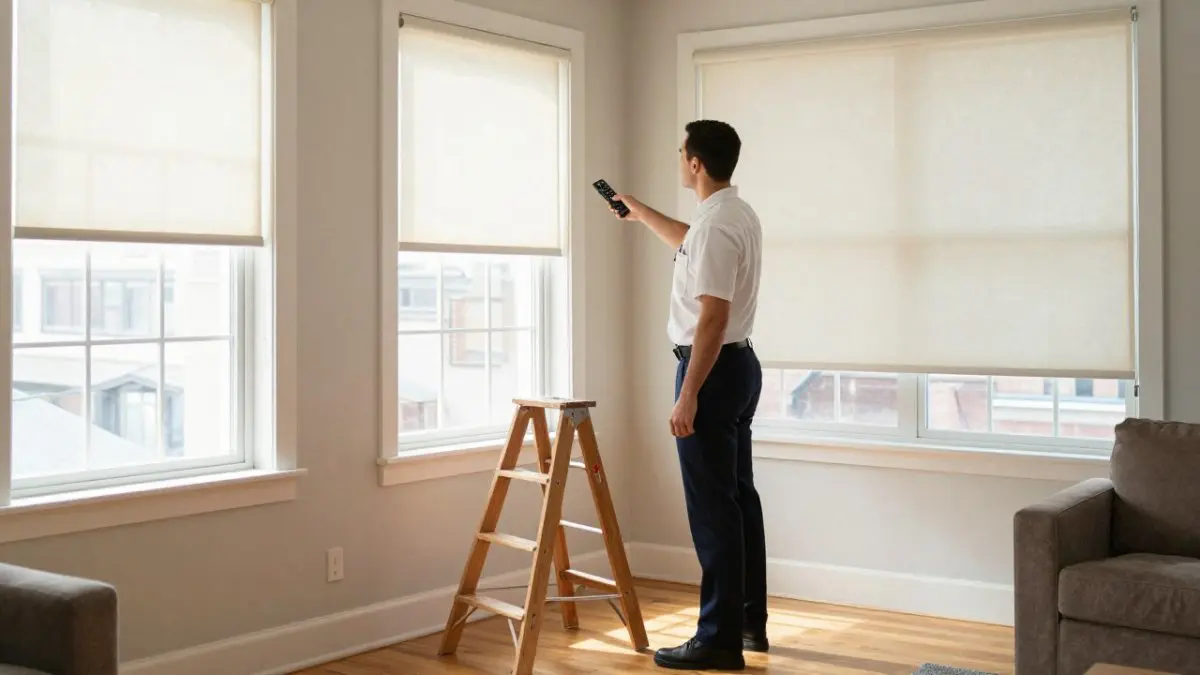
Smart Home Integration for Window Shades: A Complete Guide
Last Updated: November 22, 2026
Quick Summary
Smart home integration for window shades connects motorized coverings to a home automation system so they respond to apps, voice commands, schedules, and other devices without anyone touching a cord. The integration layer, not the motor, is the hard decision, so confirm the hub, protocol, and platform support before ordering shades.
- Wi-Fi shades connect directly to your router with no bridge, but each shade occupies network bandwidth.
- Zigbee and proprietary radio shades require a dedicated bridge that plugs into your router.
- Buying shades before confirming hub and protocol requirements is the most common and expensive sequencing error.
- Motorize the windows you cannot comfortably reach and leave the rest manual.
- Set fully open and closed travel limits for each shade, the step most homeowners skip.
Table of Contents
- How Smart Home Integration for Window Shades Actually Works
- Platform Compatibility: Alexa, Google Home, HomeKit, and PowerView
- Motorized Window Shades Pros and Cons for Boston-Area Homes
- Hunter Douglas PowerView Integration and What It Adds
- Energy Saving Benefits of Automated Shades
- Scheduling, Scenes, and Group Control Across Your Home
- Privacy, Security, and Manual Fallback When the Network Fails
- Planning Your Motorized Shade Installation with Carroll Shade
- Frequently Asked Questions
How Smart Home Integration for Window Shades Actually Works
Smart home integration for window shades is the practice of connecting motorized window coverings to a home automation system so shades respond to apps, voice commands, schedules, and other devices without anyone touching a cord. According to Global Market Insights’ automated window blinds market report, the category was valued at USD 2.06 billion in 2025 and is projected to grow at a 7.3% compound annual rate through 2035.
Here is the part most buying guides skip: the motor is rarely the hard decision. The integration layer is. A motorized shade that only answers its own remote is a convenience. A shade that talks to your thermostat, your lighting, and your security system is infrastructure. The difference between those two outcomes comes down to hubs, protocols, and platform support, and that is what this guide unpacks.
Hubs, Bridges, and What Each Platform Requires
Every smart shade system needs a translator between the shade and your home network. That translator is a hub or bridge, and it is the single most misunderstood component in the category.
- Wi-Fi shades connect directly to your router. No bridge needed, but each shade occupies network bandwidth and signal range can suffer in larger homes.
- Zigbee and proprietary radio shades require a dedicated bridge that plugs into your router and relays commands to the shades.
- Matter-enabled systems aim to unify the above, letting one device speak to multiple platforms, though support varies by manufacturer.
- Wired power versus battery changes the installation plan more than the integration plan: wired shades need an electrician’s visit, battery and solar-charging motors do not.
A common mistake is buying shades first and checking hub requirements second. Reverse that order.
Platform Compatibility: Alexa, Google Home, HomeKit, and PowerView
Compatibility is where shopping decisions get made or unmade, and a yes/no answer is not enough. What matters is which protocol the shade speaks, which hub or bridge sits in the middle, and which features survive the translation.
| Platform | How Shades Connect | Required Bridge or Hub | What Works Well | Known Limitations |
|---|---|---|---|---|
| Amazon Alexa | Cloud skill, or Matter over Thread/Wi-Fi | Echo speaker for voice; Matter controller for local control | Broad device ecosystem, routines, voice grouping | Cloud skills can break after app updates; local control only with Matter |
| Google Home | Cloud integration, or Matter | Google Nest Hub or speaker; Matter controller for local | Android households, simple voice commands | Fewer shade-specific routine options than Alexa |
| Apple HomeKit | HomeKit over Thread or Wi-Fi, or a manufacturer bridge | HomePod or Apple TV as home hub | Local control, strong data handling, reliable automations | Strict certification; fewer shade brands certified |
| Hunter Douglas PowerView | Proprietary radio to the PowerView Gateway, then to assistants | PowerView Gateway | Façade grouping, scenes, native shade control | Gateway required; assistant features depend on the gateway firmware |
| SmartThings | Zigbee, Z-Wave, Matter, or cloud integration | SmartThings Hub | Mixed-protocol homes, cross-device routines | Setup complexity rises with each protocol added |
Read the table by column, not by row. The “Required Bridge or Hub” column is the one that changes your shopping list. A Wi-Fi shade needs nothing extra but competes for router bandwidth.
Protocol choice drives the rest. Wi-Fi is simple and direct but each shade is a network client, so range and reliability suffer in larger homes. Zigbee and proprietary radio are more power-efficient and mesh well, but they depend on a bridge.
Watch out: buying shades before confirming the hub and protocol is the most common and most expensive sequencing error. Confirm the bridge, the controller, and the assistant support first, then order.
PowerView deserves its own note because it is built for shades rather than adapted to them.
A practical rule: pick the platform your household already uses daily, then pick the shade protocol that platform supports natively. Adding a second ecosystem to gain one shade brand rarely pays off in daily use.
Motorized Window Shades Pros and Cons for Boston-Area Homes
The honest case for motorized window shades pros and cons starts with the housing stock. Older homes around here have tall windows, deep reveals, and hard-to-reach upper sashes. Motorization solves a physical problem before it solves a convenience one.
The pros are concrete: no cords dangling near children or pets, reliable daily light control on windows you currently leave alone because reaching them is a chore, and schedules that close shades during summer afternoons when solar gain peaks. The cons are equally real. Battery motors need periodic charging or replacement. Wired motors need planning before drywall goes back up. And any networked device adds a setup step and a troubleshooting surface that a manual shade never had.
A reasonable approach is to motorize the windows you cannot comfortably reach and leave the rest manual.
Hunter Douglas PowerView Integration and What It Adds
PowerView is Hunter Douglas’s motorization and control system, and it is built for shades rather than adapted to them. Through the PowerView app you get scheduled routines, grouped control by room or façade, and scenes that move multiple shades to preset positions with one tap. Voice control runs through Amazon Alexa, Google Home, and Apple HomeKit when the Gateway is in place.
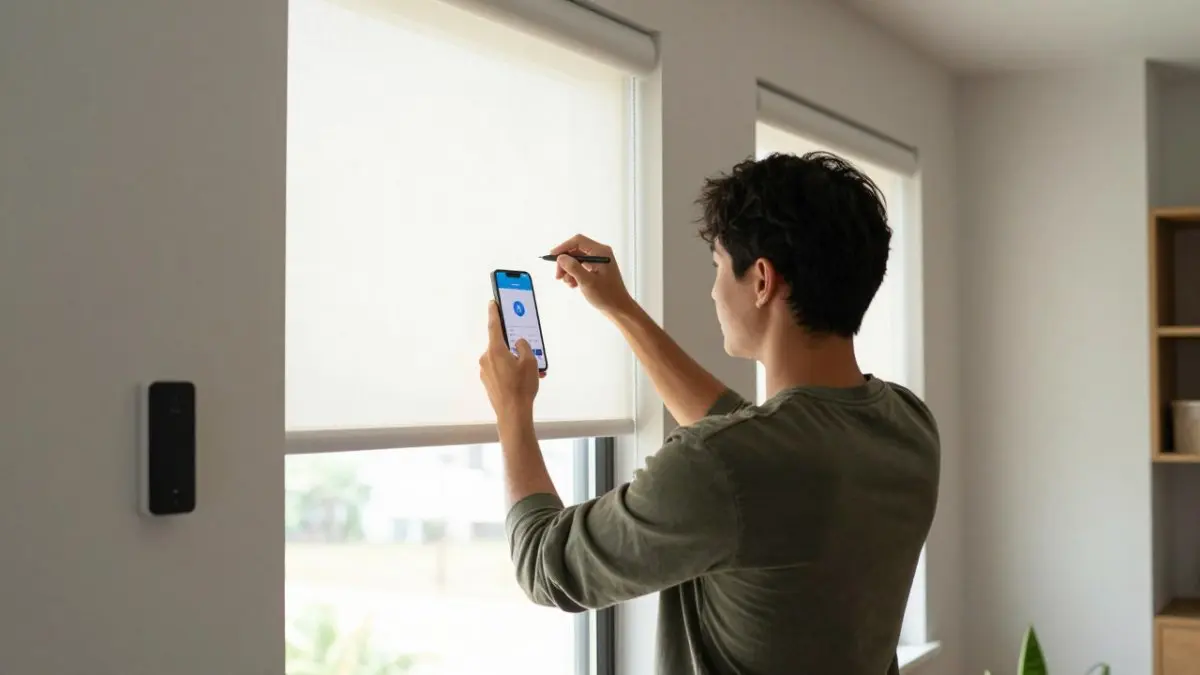
Grouping shades by façade rather than by room can make automation more practical, since shades on the same side of a house face the same sun at the same time.
Energy Saving Benefits of Automated Shades
Automated shades save energy by managing solar heat gain on a schedule instead of by memory. Research from the Illinois Institute of Technology on automated insulating shade control found that automated control of insulating window shades has the potential to significantly reduce energy consumption, and the U.S. Department of Energy’s connected-home shade research tested coordinated shading controls within connected-home strategies.
The mechanism is straightforward: close shades on sun-facing windows before the afternoon peak, open them when daylight can offset electric lighting, and let the schedule run every day regardless of whether anyone is home. Cellular shades add an insulating air layer that helps in winter. The savings depend on window orientation, glazing, and how aggressively you automate, so treat any single percentage claim with suspicion.
Scheduling, Scenes, and Group Control Across Your Home
Schedules handle the routine. Scenes handle the exceptions. Group control handles the scale.
- Schedules: time-based or sunrise/sunset-based routines that run without input.
- Scenes: one command that sets several shades to specific positions, useful for movie nights, morning light, and privacy at dusk.
- Groups: shades bundled by room, floor, or façade for simultaneous control.
- Control while away: app access from anywhere, plus integration with security systems so shades move on occupancy patterns.
The integration that pays off most is thermostat coordination: shades closing before the HVAC ramps up reduces peak load in a way a standalone schedule cannot.
Privacy, Security, and Manual Fallback When the Network Fails
A networked shade is a small computer on your network, and it deserves the same scrutiny as any other connected device. Keep the shade hub on a separate network segment where your router supports it, use unique passwords, and apply firmware updates when the manufacturer ships them.
Then plan for failure. Every motorized system should offer a manual override, whether a pull cord, a remote, or a hand-turn mechanism. If the hub loses power or your Wi-Fi drops, the shade must still open. Accessibility matters here too: voice control is genuinely liberating for anyone who cannot reach a high window, but it should never be the only way to operate one.
Planning Your Motorized Shade Installation with Carroll Shade
Installation is where integration plans succeed or fall apart, so confirming hub and power requirements before ordering is worth doing early.
Step 1: Measure and document each window. Record width, height, mounting depth, and the distance from the window to the nearest outlet.
Step 2: Confirm power and hub requirements. Wired motors need an electrician’s visit and planning before drywall goes back up. Battery and solar-charging motors do not, but they add a periodic charging task.
Step 3: Mount and pair. Mount the brackets, set the shade, then pair each motor to its bridge or controller one at a time.
Step 4: Calibrate travel limits. Set the fully open and fully closed positions for each shade.
Step 5: Group by room and by façade. Room groups handle daily control. Façade groups handle sun exposure, because shades on the same side of a house face the same sun at the same time.
Step 6: Test automations before you rely on them. Run each schedule and scene manually for a few days, then check the logs in the app for missed commands.
Carroll Shade offers professional installation and blind repair services, and you can learn more about our window installation and repair services. For current pricing or a quote, contact our team.
Frequently Asked Questions
How do smart window shades integrate with existing home automation systems?
Smart shades connect through a hub or bridge that talks to your home automation system over Wi-Fi, Zigbee, or a proprietary protocol. The hub receives commands from Alexa, Google Home, or Apple HomeKit and passes them to the shade motor. Hunter Douglas PowerView, for example, uses its own gateway that then exposes shades to those platforms. Check that your chosen platform supports the shade brand before you buy, because not every motor works with every ecosystem.
Can I control my motorized shades using voice commands?
Yes. Blinds.com lists compatibility with Amazon Alexa, Google Home, and Apple HomeKit for motorized blinds and shades, so you can open, close, or set a position by voice. Most systems let you name individual shades or groups, so a command like closing the east-facing shades only affects that room. Voice control depends on the hub being online, so keep the remote or manual pull as a backup for outages.
Do smart shades require a specific bridge or gateway for integration?
Most do. Zigbee-based and proprietary systems need a bridge to translate shade commands into something your smart-home platform understands. Hunter Douglas PowerView uses a dedicated gateway, and other brands ship their own hubs. Wi-Fi-native shades can skip a separate bridge but put more load on your router. Confirm the bridge requirement before ordering, since it affects both setup time and total cost.
How do I schedule my smart shades to improve energy efficiency?
Set routines that close south- and west-facing shades during peak afternoon sun in summer, then reopen them in the evening. In winter, open shades during daylight to capture solar heat and close them after sunset to hold warmth. An Illinois Institute of Technology study found automated control of insulating window shades has the potential to significantly reduce energy consumption. Pair shade schedules with your thermostat so cooling and heating are not fighting the sun.
Are smart shades compatible with Apple HomeKit, Amazon Alexa, and Google Home?
Compatibility varies by brand and by the hub you use. Blinds.com confirms motorized blinds and shades work with Amazon Alexa, Google Home, and Apple HomeKit, but each shade line may support only some of those. HomeKit tends to be the most restrictive, so verify it specifically if Apple is your main platform. Ask your installer to confirm platform support in writing before the order is placed.
What happens to my smart shades if the Wi-Fi goes down?
The shades still work, just not by voice or app. Most motorized systems keep a remote, a wall switch, or a manual override, so you can open and close them during an outage. Schedules stored on the shade hub may also keep running if the hub has battery backup. Before installation, ask which fallback controls ship with the motor so you are never locked out of daylight control.

